Before choosing a platform, define what the website is responsible for. A small campaign site, a content-heavy brand site, an e-commerce experience, and a digital product all have different needs.
The most important questions are usually these:
Purpose: Is the website mainly there to inform, sell, support, publish, or run a service?
Complexity: Does it need custom logic, integrations, user accounts, payments, or advanced filtering?
Brand experience: Does the site need to feel highly tailored, or is a clean and familiar structure enough?
Content: Should the design be shaped around your content, or can the content fit into an existing structure?
Ownership: Who will update content, pages, products, and campaigns after launch?
Longevity: Is this a fast launch, a test, or a platform you expect to build on for years?
Once those answers are clear, the technology choice becomes much easier.

Do you really need a custom-built site? The answer is: it depends.
Custom code
Custom code means the website or product is built directly with code, usually using technologies such as HTML, CSS, JavaScript, React, Next.js, or similar frameworks. It gives you the highest level of freedom, but it also asks for the most planning, maintenance, and specialist expertise.
It is the right direction when the website is closer to a product than a brochure. If you need complex integrations, bespoke user flows, advanced performance requirements, strict security considerations, or functionality that simply does not fit inside a standard platform, custom code gives you the control you need.
Best for:
- Digital products and web applications
- Complex integrations and business logic
- High-performance or highly tailored experiences
- Projects where the technical platform is a long-term asset
Watch out for:
- Higher cost and longer timelines
- Greater dependence on developers for future changes
- More decisions around hosting, security, testing, and maintenance
Custom code is not automatically better. It is just more open. That openness is powerful when you need it, and expensive when you do not.
The site you are reading now is built with Astro and Sanity CMS. Astro gives us a fast, flexible, custom-coded front end, while Sanity keeps the content structured and manageable behind the scenes. That combination works well when you want more control over performance, design systems, and integrations, but still need editors to publish work, insights, and updates without touching code.
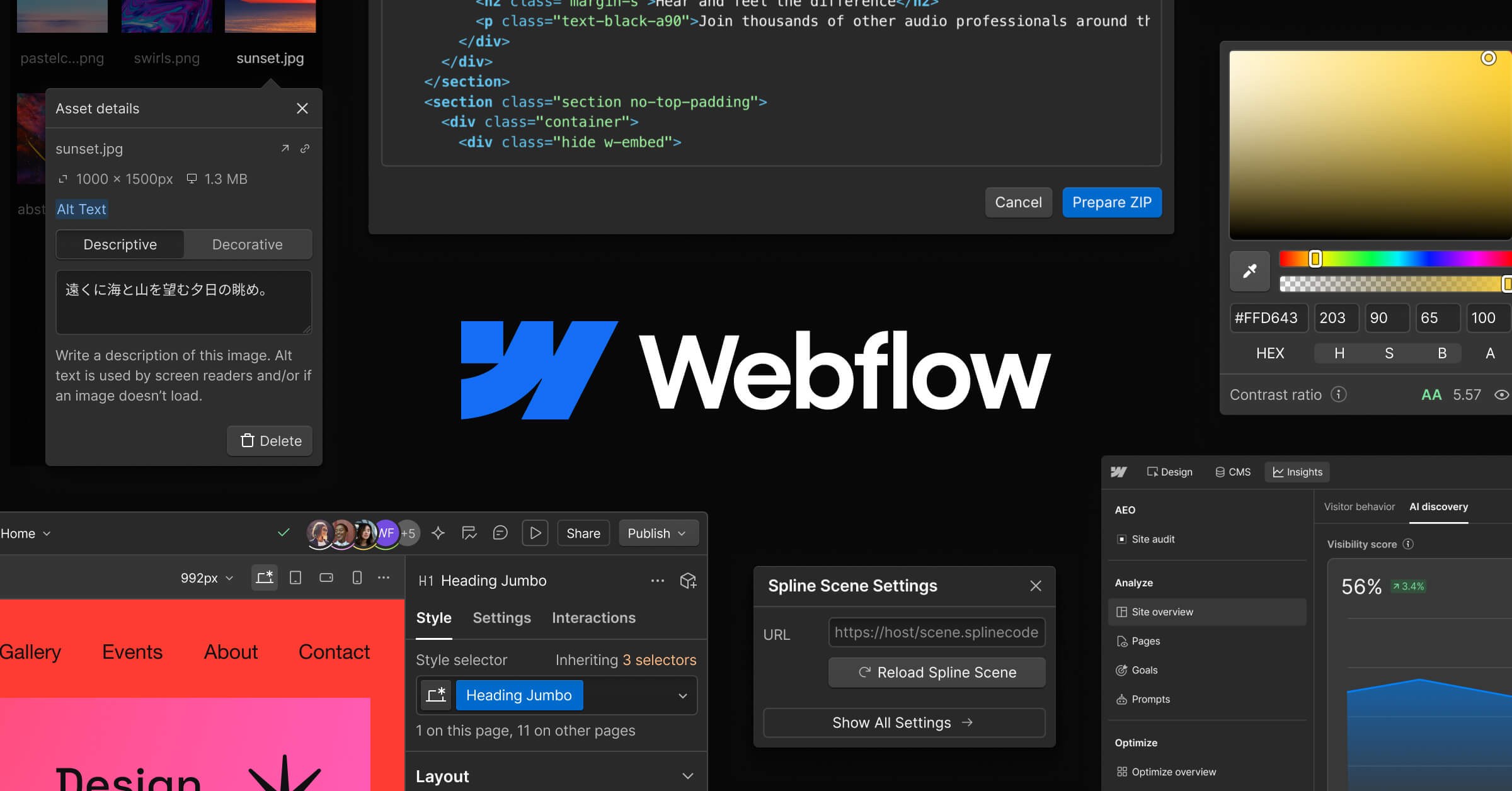
We use Webflow when it gives the right balance of design control, performance, and manageable handover.
Low-code
Low-code platforms, such as Webflow, sit between custom builds and simple template tools. They provide a visual development environment, content management, hosting, and reusable structures, while still allowing a high level of design control and customisation.
For many brand and marketing websites, this is where the strongest balance sits. You can create something distinctive, structured, and well-crafted without spending the whole budget on engineering. Just as importantly, the client team can usually manage content after launch without asking a developer every time a sentence, case study, image, or campaign page needs to change.
Low-code also gives you room to design around the content. Instead of forcing every message, case study, or service page into a fixed template, you can shape the layout around what needs to be understood first. That matters when hierarchy, storytelling, and brand expression are part of the job.
Best for:
- Brand and marketing websites
- Content-rich sites with regular updates
- Teams that need a manageable CMS
- Projects where design quality, speed, and flexibility all matter
Watch out for:
- Platform limits around unusual functionality
- Some dependency on the platform’s roadmap and pricing
- The temptation to build too much without a clear system
Low-code is not a shortcut around design thinking. The platform can help with production, but it will not define your message, structure your content, or make the experience feel considered. That still requires strategy, UX, design, and editorial work.
As a Certified Webflow Partner, this is a space we know well. We use Webflow when it gives the right balance of design control, performance, and manageable handover – not simply because it is available.
No-code
No-code tools are designed to help people create websites and digital tools without writing code. They are often fast, affordable, and accessible. For the right job, that is a real advantage.
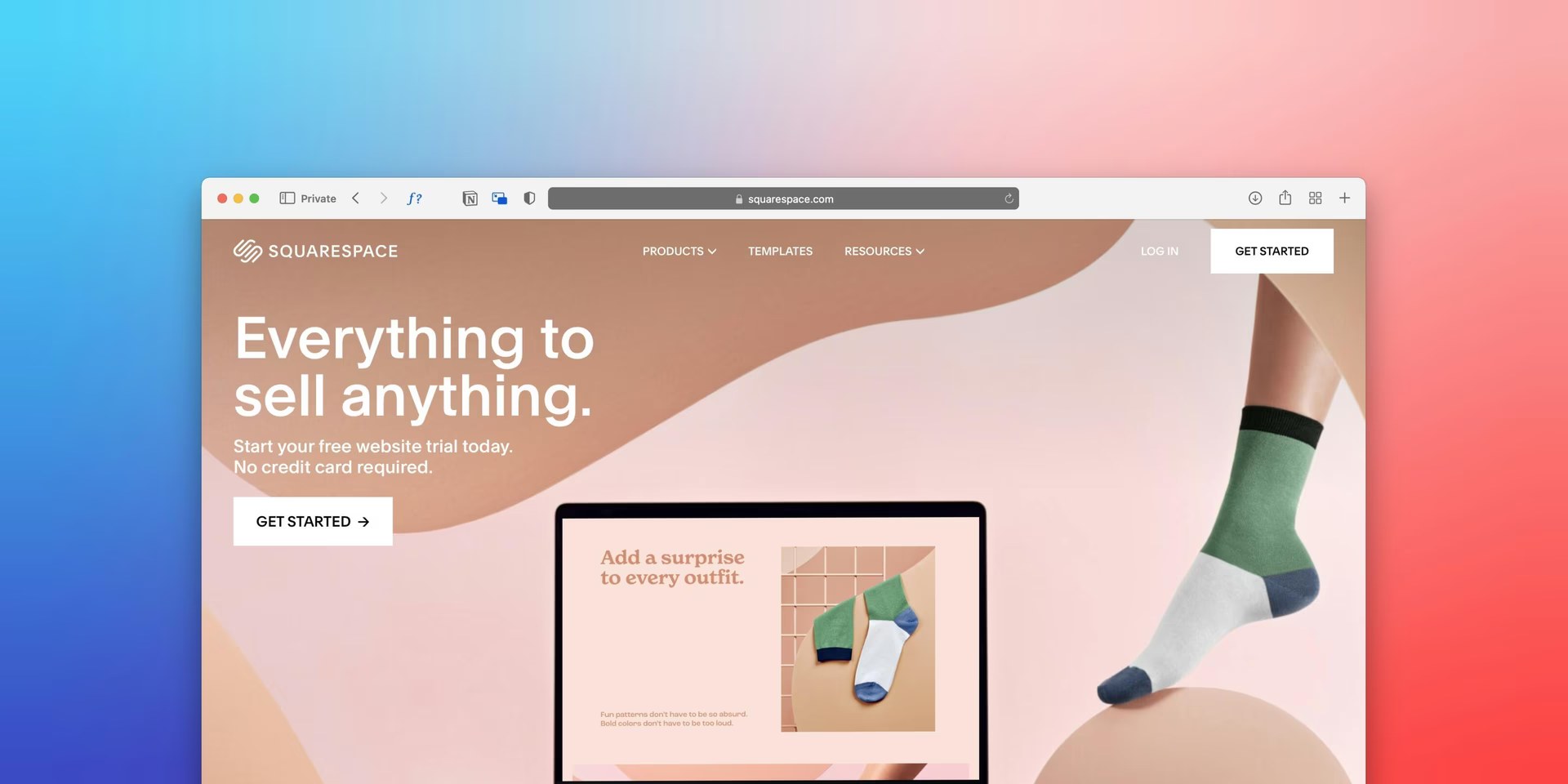
Squarespace let's you create a website without any coding knowledge.
No-code can be a good choice when you need to validate an idea, launch a simple presence quickly, or create something temporary. It can also work well for internal tools, simple landing pages, and early-stage startups where speed matters more than long-term flexibility.
The trade-off is that no-code often means wrapping your content into an existing design system or template. That can be perfectly fine when the message is simple. It becomes limiting when the content needs its own structure, pacing, or visual logic.
Best for:
- Simple websites and landing pages
- MVPs, prototypes, and quick tests
- Tight budgets and short timelines
- Teams that need to move before everything is fully defined
Watch out for:
- Limited control over layout, performance, and functionality
- Template-like results if the content and design are not carefully shaped
- Migration work later if the project grows beyond the platform
No-code is often a good beginning. It is less often the final answer for brands that need a distinctive, scalable, and carefully managed digital presence.
What about AI?
Lately, there is almost always a follow-up question: what about AI?
The honest answer is still: it depends. Not in a vague way, but in a very practical way. What does the site need to do? Who will maintain it? How distinctive does the experience need to feel? How much should be flexible later?
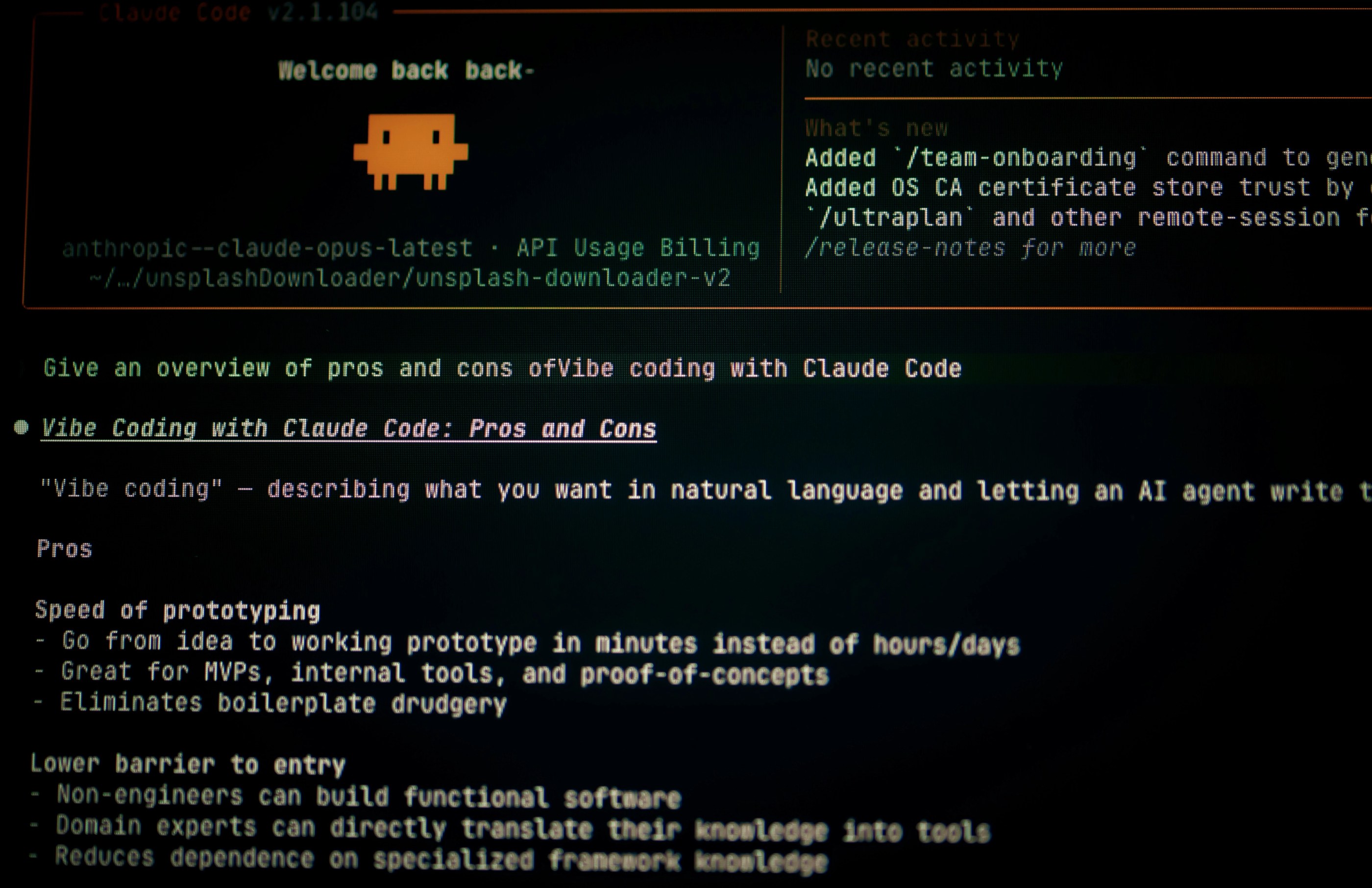
AI can speed up parts of the work, but it should not be left in charge of strategy, craft, or quality control.
AI changes the production process, but it does not remove the need to choose the right foundation.
In custom code, AI can help developers draft components, write tests, refactor code, and document decisions. Used well, it can save time. Used without senior review, it can create security issues, inaccessible interfaces, weak architecture, and code nobody wants to maintain.
In low-code, AI can help with first drafts: page structures, copy directions, component ideas, SEO suggestions, and content variations. That can be useful, but the output still needs to be edited into a clear brand voice and shaped into a proper system.
In no-code, AI can generate a working first version very quickly. That is useful for testing an idea, but it can also lead to generic websites that look and sound similar to everything else being generated from the same tools.
The question is not “Can AI build it?” The better question is “Who is responsible for the result?”
Someone still needs to check the facts, shape the message, make the design feel like the brand, test accessibility, consider performance, and make sure the site can be maintained. AI can speed up parts of the work, but it should not be left in charge of strategy, craft, or quality control.
A simple way to choose
If the website is a business-critical product with custom logic, choose custom code.
If it is a brand or marketing website that needs to look distinctive, perform well, and be easy for the team to update, choose low-code.
If it is simple, temporary, experimental, or budget-led, choose no-code.
And if the project has different needs in different places, use a hybrid approach. A common setup is a low-code marketing website combined with a custom-coded product, portal, or integration behind the scenes.
The important thing is to avoid overbuilding and underbuilding. Overbuilding makes the project slower, more expensive, and harder to maintain than it needs to be. Underbuilding creates a site that looks fine at launch but becomes limiting the moment the organisation grows, the content changes, or the brand needs more room.
Our view
For most organisations, the best website is not the most technically complex one. It is the one that communicates clearly, feels right for the brand, works for its users, and can be improved over time.
That is why we start with discovery, structure, content, and design before committing to the build approach. The platform matters, but it should support the strategy, not define it.
Custom code, low-code, no-code, and AI all have a place. The value comes from knowing where each one belongs.