


Custom-Code
Custom-code is the traditional approach to website development, where every aspect of the site is built from scratch using programming languages such as HTML, CSS, and JavaScript. This approach offers complete control over the design and functionality of the site, but it can be time-consuming and expensive.
Pros:
- Complete control over design and functionality
- Highly customizable
- Can be tailored to specific business needs
Cons:
- Time-consuming and expensive
- Requires specialized knowledge and expertise
- Difficult to make changes or updates without coding knowledge
Low-Code
Low-code platforms such as Webflow offer a middle ground between custom-code and no-code. With low-code, much of the coding is done for you, but there is still a lot of flexibility and customization available. This approach can be faster and more cost-effective than custom-code, but it may not offer the same level of control over the design and functionality of the site.
Pros:
- Faster and more cost-effective than custom-code
- Still allows for flexibility and customization
- Easier to make changes or updates without coding knowledge
Cons:
- Limited control over design and functionality
- May not be suitable for highly complex projects
- May require some coding knowledge to achieve full customization
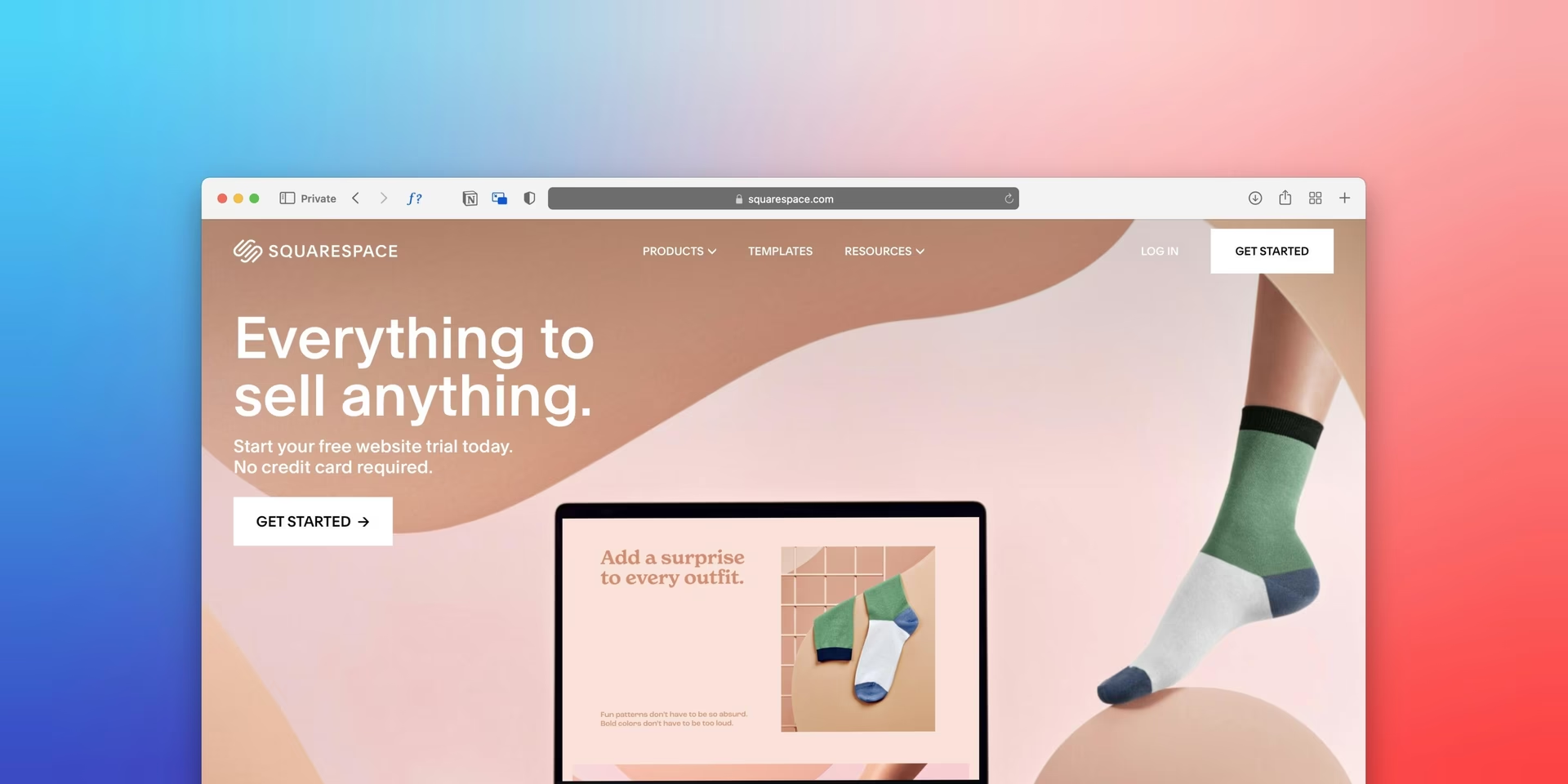
No-Code
No-code platforms such as Squarespace offer a simple, drag-and-drop interface that allows users to create a website without any coding knowledge. This approach is fast, easy, and affordable, but it may not offer the same level of customisation and functionality as custom-code or low-code.
Pros:
- Fast, easy, and affordable
- Requires no coding knowledge
- User-friendly interface
Cons:
- Limited customization and functionality
- May not be suitable for highly complex projects
- Limited control over design and functionality
There is no one-size-fits-all solution. We have experience with all three approaches and can help you figure out what works best in your situation. Ultimately, the goal is to create a website that meets your needs, regardless of the approach used.
So, what should you choose? It really depends on your specific needs and goals. If you need a highly customized website with complex functionality, custom-code may be the best option. If you want a website that looks great and functions well, but don't need a lot of customization, low-code may be the way to go. And if you simply need a basic website that looks good and is easy to use, no-code may be the most cost-effective choice.
In conclusion, the choice between custom-code, low-code, and no-code ultimately comes down to your specific needs and goals. There is no one-size-fits-all solution. We have experience with all three approaches and can help you figure out what works best in your situation. Ultimately, the goal is to create a website that meets your needs, regardless of the approach used.
Form [fɔːm] verb | If separate things form, they come together to make a whole.